

Help | Setting Up QuackScript »
Installing QuackScript
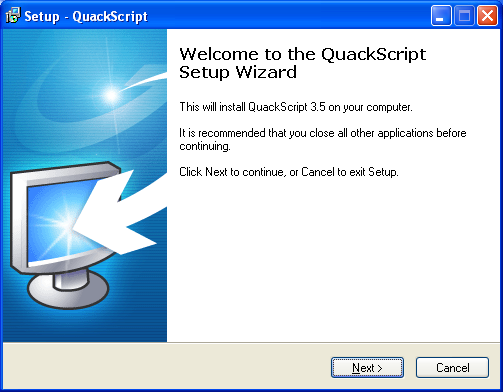
After downloading the exe file (quackscript3.exe), double click on the icon to start the installation wizard. Click Next.
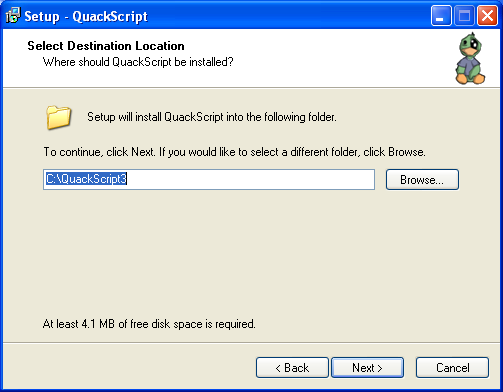
Choose a directory in which to place the script, the default (C:\QuackScript3) is probably the best place to use. Click Next.
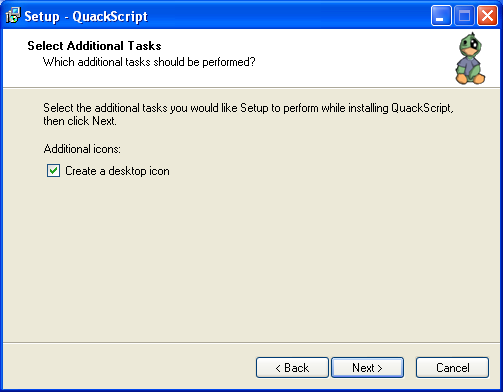
I recommend leaving this box ticked, so you can simply click on an icon on the desktop to run the script, click Next.
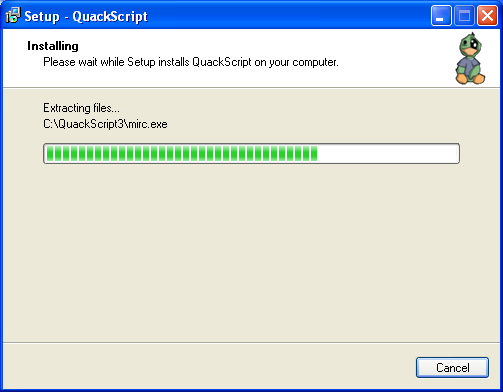
Here you can see all the files being copied to the QuackScript directory.
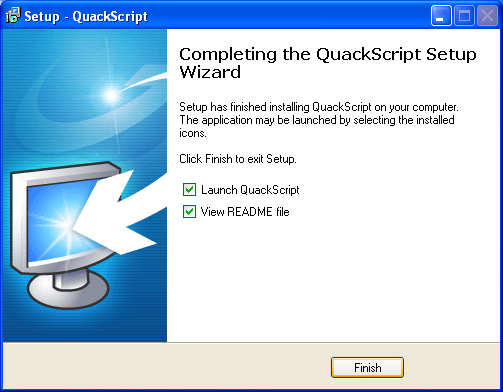
If you're ready to run QuackScript leave the box ticked, if you'd like to run it later uncheck the box. Finally click Finish.
If you asked for a desktop icon to be created, you should see this on your desktop. Double click on this icon to run the script any time you want.
